Research
Web search, page fetch, screenshots, image search, news, maps, and finance.
 Mobile Claw
Android AI Agent
An assistant that reads context, coordinates specialist agents, and moves work across apps, documents, web research, schedules, and device controls.
One command surface
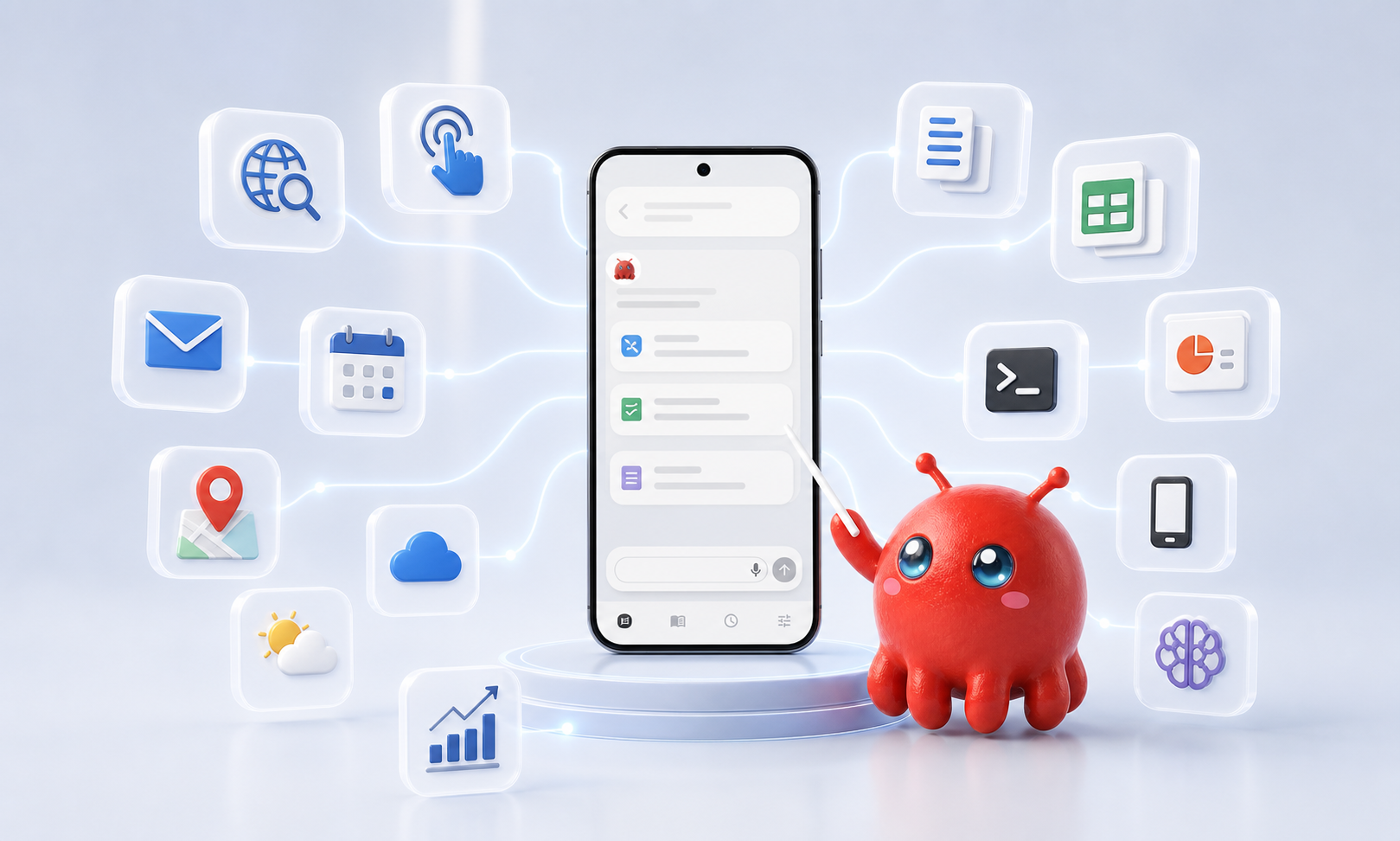
Mobile Claw combines chat, app control, web search, image search, Gmail, Drive, Office documents, calendar, alarms, maps, weather, finance, memory, and shell-level device tools into one coordinated agent runtime.
Product system
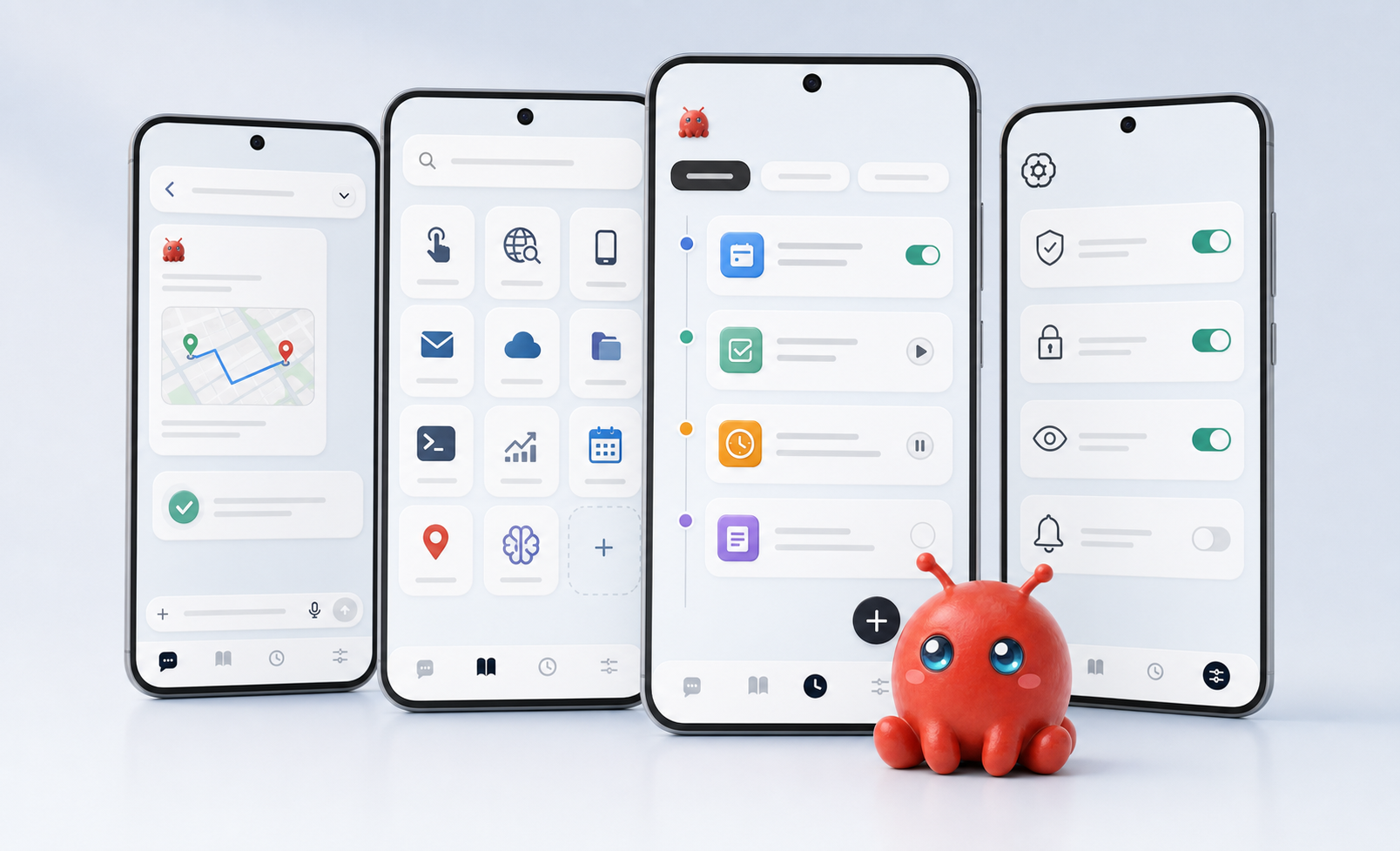
Multi-agent runtime
The guide system exposes dedicated agents for app control, web search, image search, device status, maps, weather, news, finance, calendar, alarms, schedules, memory, Office files, Gmail, Drive, and deeper device control.
Requests are split into focused services with the right tools for the job.
Task progress, agent status, memory, and scheduled work stay traceable.
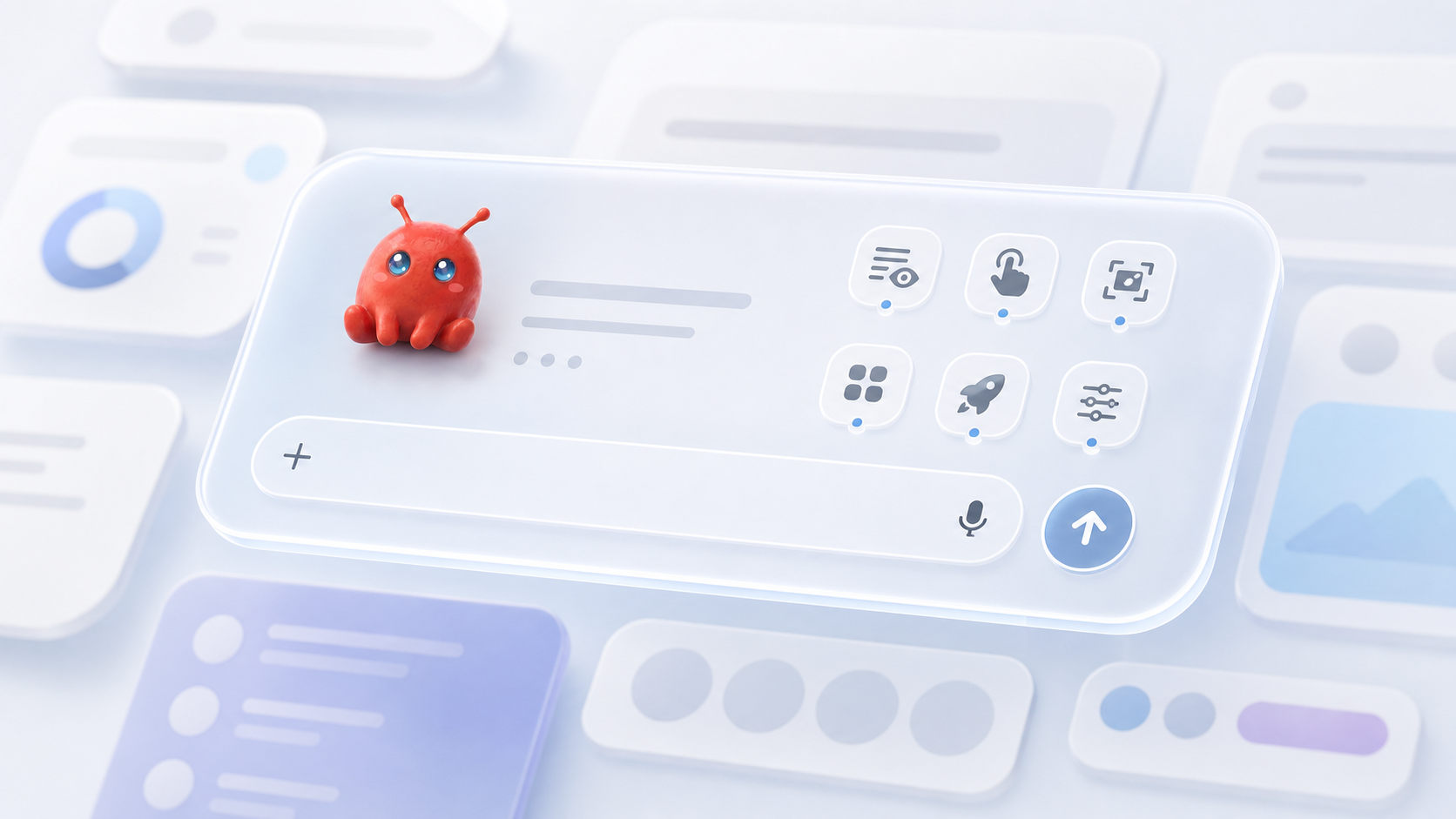
Floating assistant
Overlay mode keeps a compact command surface above Android apps. It can collect instructions, show progress, request approval, attach screenshots, and help drive cross-app workflows without returning to the main chat.
Capability map
Landing visuals are generated from the app's actual capability set, but avoid stale screenshots, personal data, and current QA state.
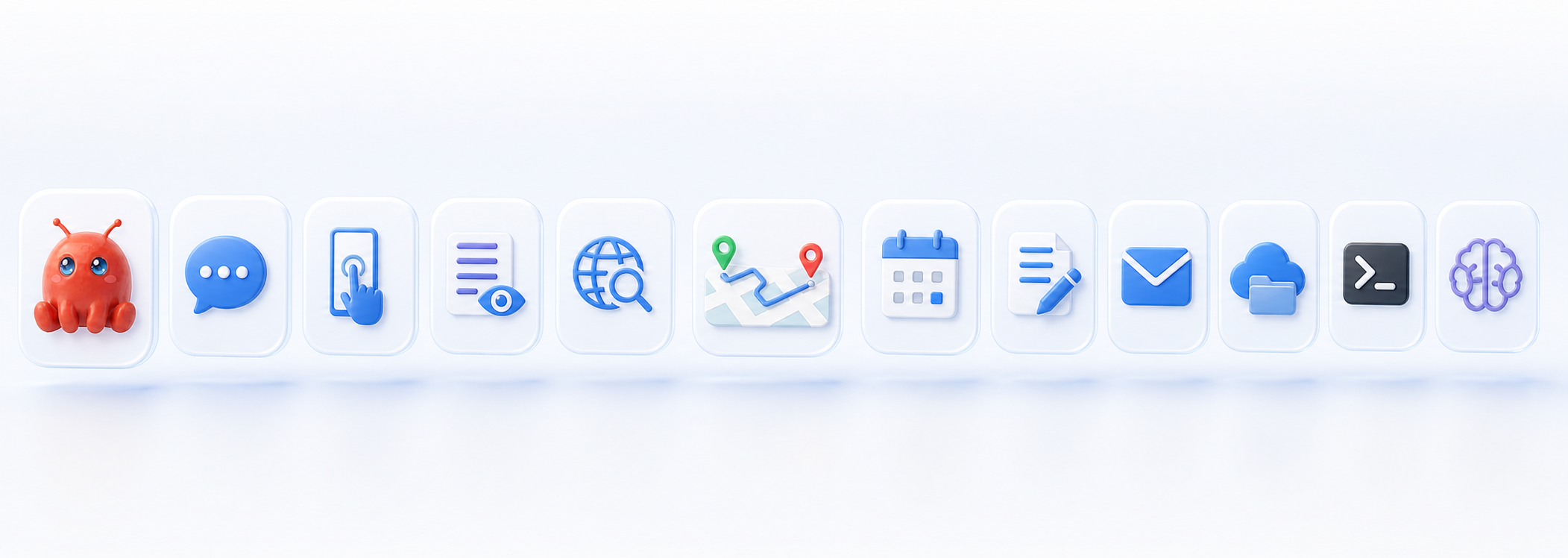
Web search, page fetch, screenshots, image search, news, maps, and finance.
Gmail, Drive, calendar, Office documents, PDFs, and memory-backed workflows.
App launch, URL opening, UI reading, click, typing, drag, alarms, and shell tools.
Scheduled tasks, passive briefings, foreground notifications, and update gates.
Trust boundary
Mobile Claw is built around high-trust Android capabilities: accessibility, overlay, notifications, exact alarms, location, calendar, contacts, media, microphone, Google workspace tokens, and device-control setup.